Flow
Now that you know how Patient Insights can enrich your program, let’s looks at how it works:
-
Activate Patient Insights: The first step is to configure and activate the desired questionnaires for your users (user-basis, via API) based on program requirements. This ensures the questionnaires are ready to display on the device.
-
Automatically Trigger: Questionnaires are automatically triggered when conditions are met. For example:
- After a Measurement: Display a questionnaire immediately after a user completes a measurement.
- Condition-Based: Trigger questionnaires dynamically based on specific criteria (e.g., high blood pressure detection).
-
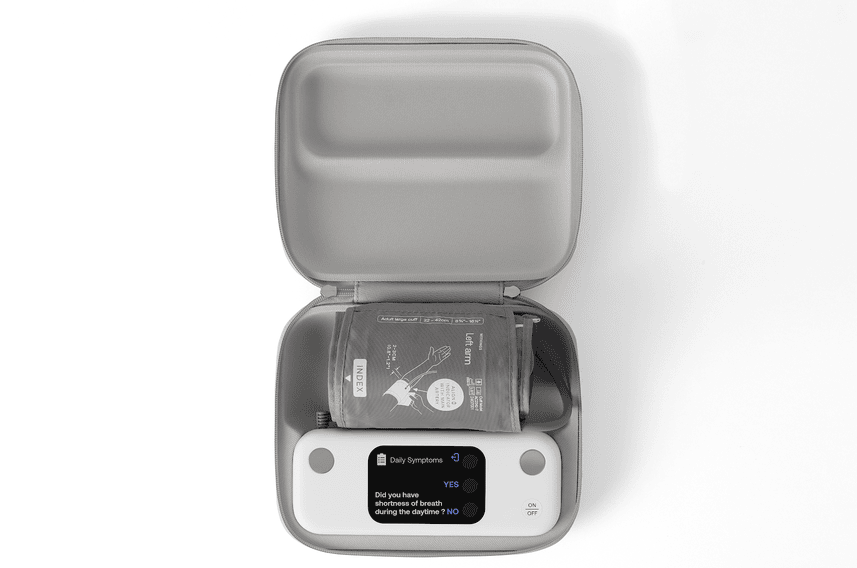
User Completes the Questionnaire: The questionnaire appears directly on the device’s touchscreen, providing a simple and quick experience. Users respond to targeted questions through touch-based inputs.
-
Partner is notified: Once the questionnaire is completed, the partner is notified that new Patient Insights data and corresponding measurements are available.
-
Pull the Data: Retrieve questionnaire responses and measurements using the Withings API. Responses are linked to measurements via the Group ID (
grpid) for easy correlation and analysis.