Setup your partner environment
As a Withings partner, your development environment is created and managed directly by the Withings team.
You will receive an invitation to join the organization associated with your project.
There is no need to create a developer account yourself.
Cloud Environment Selection
The choice of cloud environment (EU or US) is usually decided during the onboarding process with the Withings technical team.
Both environments run the same API codebase, which means you can build against one environment (e.g. EU) and later switch to the other (e.g. US) without changing your integration logic.
| Cloud Name / Certification | Prerequisites | Endpoint |
|---|---|---|
| EU Medical Cloud / Public Cloud | GDPR compliant, ISO 27001:2017, and HDS certified. No prerequisites; free access is available. More about limitations. | https://wbsapi.withings.net |
| US Medical Cloud | HIPAA and GDPR compliant, ISO 27001:2017 certified. Available only for partners with a signed contract. | https://wbsapi.us.withingsmed.net |
Application Access
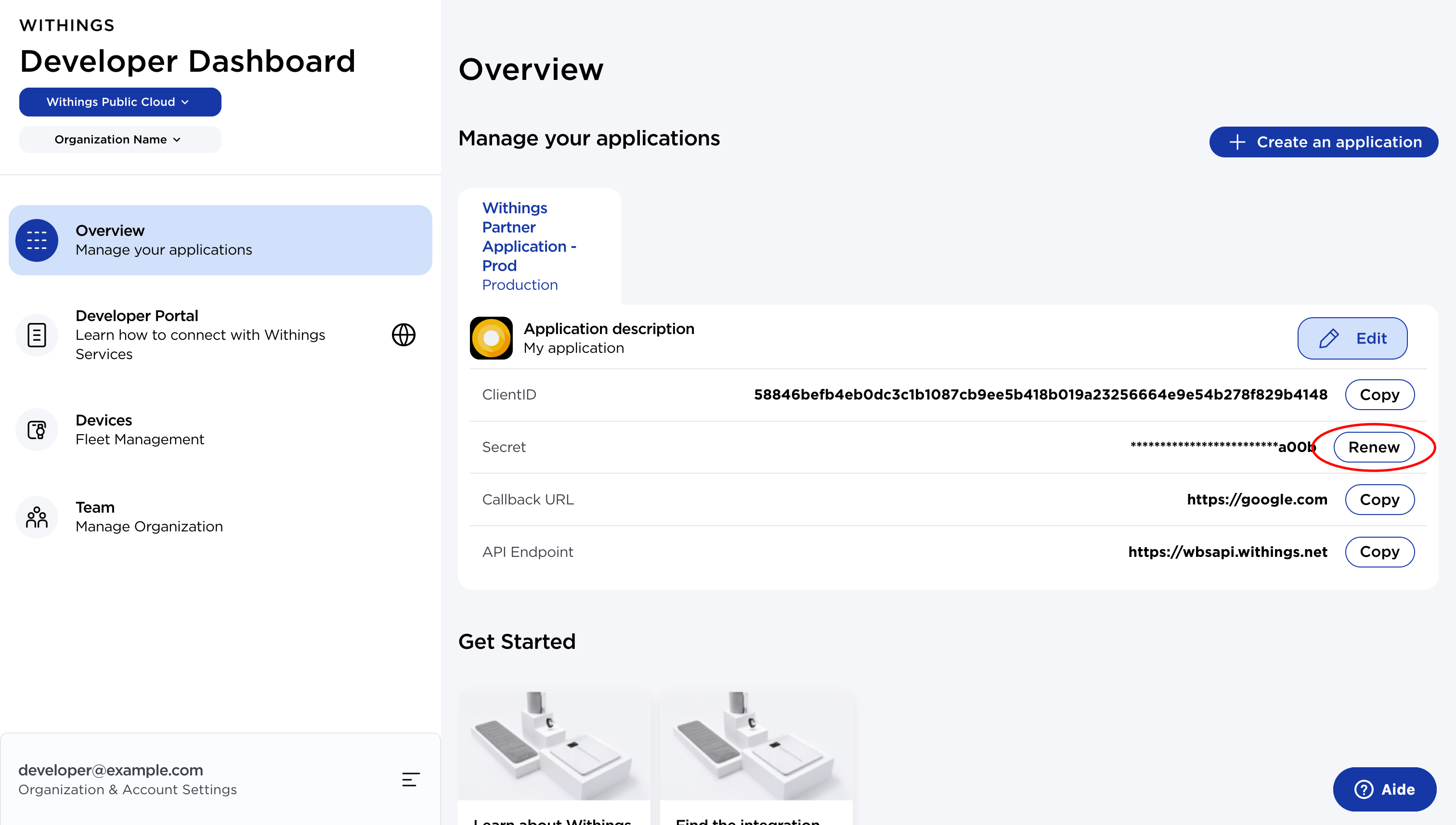
From the Developer Dashboard, you can manage your application credentials:
client_id: public identifier of your application. It is fixed and never changes.client_secret: private key used to authenticate requests. It must be generated from the dashboard and stored securely (e.g. secret manager, vault).
When you first set up your integration, you must generate the client secret.
If needed later, you can regenerate it.
⚠️ Always keep your
client_secretconfidential.
Never commit it in source control.
Use a secure storage solution such as AWS Secrets Manager, GCP Secret Manager, or Vault.
Manage Your Team
Once you have access to your organization, you can invite colleagues from the Teams section and assign them one of three roles: Admin, Developer, or Support Agent.
| Description | Admin | Developer | Support Agent |
|---|---|---|---|
| Create, edit, delete applications in dev, beta environments. | Yes | Yes | - |
| Create, edit, delete applications in dev, beta, and prod. | Yes | - | - |
| Invite users and revoke access. | Yes | - | - |
| Update the organization’s information. | Yes | - | - |
| Access the device list and the details of those devices. | Yes | Yes | Yes |
| Submit support tickets to the Withings team. | Yes | Yes | Yes |
By assigning the right role to each team member, you ensure that access and responsibilities remain aligned with their function in the project.